Mobile Network Reality in National Parks (Where You’ll Lose Signal)
Many travelers assume that mobile phone coverage is available almost everywhere. In cities, towns, and along major highways, staying connected has become normal. However, the reality is very different when you visit national parks.
National parks are often located in remote areas surrounded by mountains, forests, deserts, canyons, and wilderness. These natural landscapes make it difficult for mobile networks to provide consistent coverage. In some places, you may have a strong signal, while in others you may lose service completely.
Understanding the mobile network reality in national parks is important before planning your trip. Whether you are camping, hiking, sightseeing, or driving through a park, knowing where you might lose signal can help you stay safe and prepared.
Do National Parks Have Mobile Phone Coverage?
The simple answer is yes, but not everywhere.
Many national parks offer some level of mobile phone coverage near entrances, visitor centers, lodges, and developed areas. However, coverage becomes much less reliable as you move deeper into the park.
Signal strength depends on several factors, including:
- The park’s location
- Terrain and elevation
- Distance from cell towers
- Your mobile carrier
- Weather conditions
For example, you might have excellent reception at a visitor center but lose signal completely after hiking just a few miles into the backcountry.
Visitors should never assume that their phone will work throughout the entire park.
Why Mobile Signals Are Weak in National Parks
Remote Locations
Most national parks are intentionally located away from cities and heavily developed areas. Since there are fewer nearby communities, there are also fewer cellular towers.
Without nearby towers, mobile signals become weaker and less reliable.
Mountains, Forests, and Natural Barriers
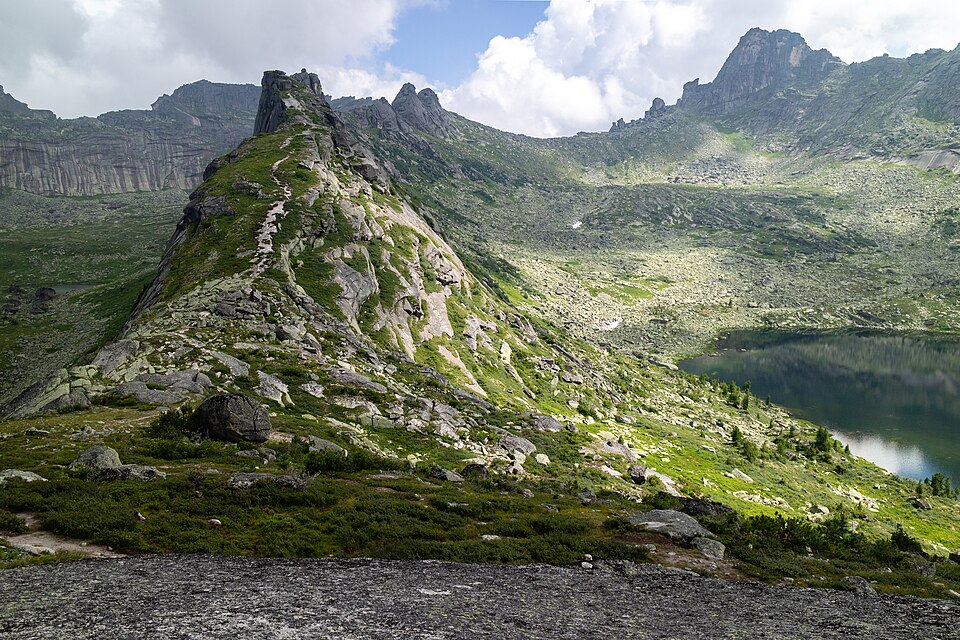
Nature itself often blocks cellular signals.
Large mountains, deep valleys, dense forests, and rocky cliffs can interrupt signal transmission. Even if a tower is relatively close, natural obstacles can prevent your phone from receiving a strong connection.
Limited Cell Towers
National parks typically have very few cell towers compared to urban areas.
Installing additional towers can be difficult due to cost, accessibility, and environmental concerns. As a result, coverage gaps are common throughout many parks.
Environmental Protection Restrictions
National parks exist to protect natural landscapes and wildlife.
Building large communication structures may impact the environment, wildlife habitats, or scenic views. Because of this, park authorities often limit infrastructure development, including cellular towers.
National Parks Where You May Completely Lose Signal
Yellowstone National Park
Yellowstone covers a massive area of wilderness. While some developed areas offer limited coverage, many sections of the park have little or no signal.
Backcountry hikers should not rely on mobile phones for communication.
Yosemite National Park
Yosemite’s towering granite cliffs and deep valleys can block cellular signals. Coverage is available in some valley locations but becomes unreliable in remote hiking areas.
Grand Canyon National Park
The Grand Canyon’s extreme depth creates significant signal challenges. Visitors often lose service once they descend into the canyon.
Great Smoky Mountains National Park
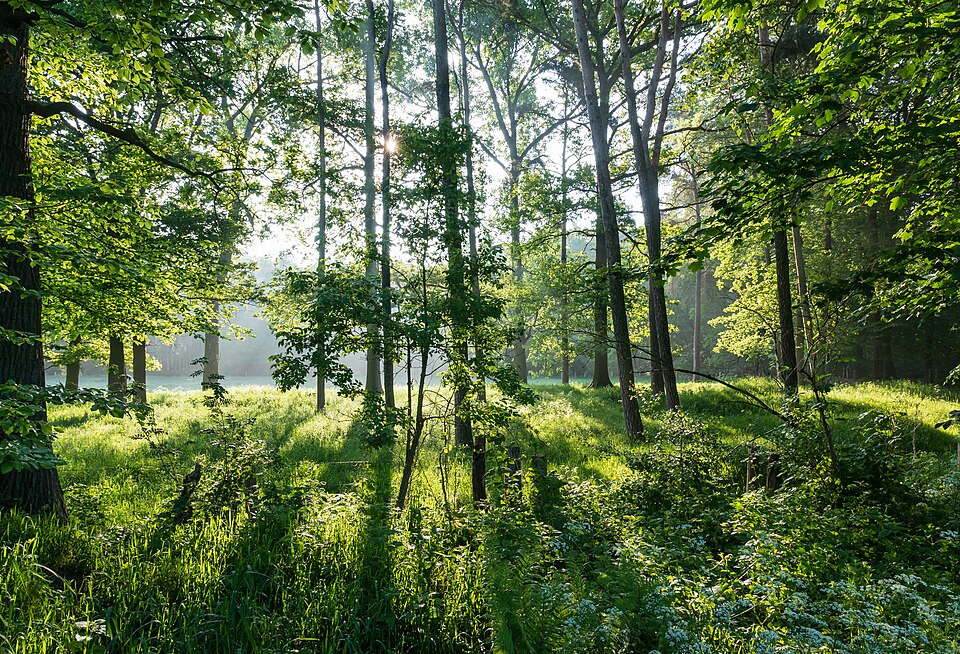
Dense forests and mountainous terrain make coverage inconsistent throughout the park.
Many hiking trails have little or no reception.
Glacier National Park
Glacier National Park contains large wilderness areas with limited infrastructure. Mobile coverage is generally restricted to developed locations.
Big Bend National Park
Big Bend is one of the most remote national parks in the United States. Visitors frequently experience complete signal loss across large sections of the park.
Rocky Mountain National Park
High elevations and rugged terrain can cause frequent signal interruptions. Coverage varies greatly depending on your exact location.
Areas Within National Parks That Usually Have Better Coverage
Visitor Centers
Visitor centers are often the best places to find cellular service.
Because they are popular gathering points, network providers sometimes focus coverage around these locations.
Campgrounds Near Entrances
Campgrounds located close to park entrances generally have stronger signals than those deeper inside the park.
Lodges and Developed Areas
Hotels, lodges, restaurants, and administrative buildings may have better connectivity because they are located near existing infrastructure.
Major Roads and Scenic Viewpoints
Some main roads and popular viewpoints receive better coverage due to their elevation or proximity to communication equipment.
However, coverage can still be unpredictable.
Which Mobile Networks Perform Best in National Parks?
Verizon Coverage
Verizon is often considered one of the strongest carriers for rural and remote areas.
Many travelers report better national park coverage with Verizon compared to other providers.
AT&T Coverage
AT&T also performs well in many national parks and rural regions. Coverage can vary by park but is generally competitive.
T-Mobile Coverage
T-Mobile has expanded significantly in recent years. While performance has improved, coverage may still be weaker in some remote wilderness areas.
Regional Carrier Performance
Smaller regional carriers may perform well in certain locations depending on their network agreements and local infrastructure.
Why No Network Works Everywhere
Even the best carrier cannot guarantee coverage throughout every national park.
Natural barriers, distance from towers, and wilderness conditions affect all networks.
For this reason, visitors should always prepare for the possibility of losing service.
How to Check Mobile Coverage Before Your Trip
Official National Park Website
Many park websites provide information about communication services and areas where visitors may experience limited connectivity.
Always review this information before traveling.
Carrier Coverage Maps
Major network providers publish coverage maps showing expected signal availability.
These maps can help you estimate coverage before your visit.
Offline Travel Apps
Several travel apps allow you to download maps and information before arriving.
These tools remain useful even when mobile service disappears.
Visitor Reviews and Recent Reports
Recent visitor experiences often provide the most realistic picture of current network conditions.
Reading reviews can help identify areas with known coverage problems.
Essential Safety Tips for Visiting Parks Without Cell Service
Download Offline Maps
Offline maps are one of the most valuable tools for national park visitors.
Download maps before entering the park so you can continue navigating without internet access.
Share Your Travel Plans
Tell family members or friends where you are going and when you expect to return.
This information can be critical during emergencies.
Carry a Paper Map
Technology can fail unexpectedly.
A paper map provides a reliable backup if your phone loses power or service.
Bring a Portable Power Bank
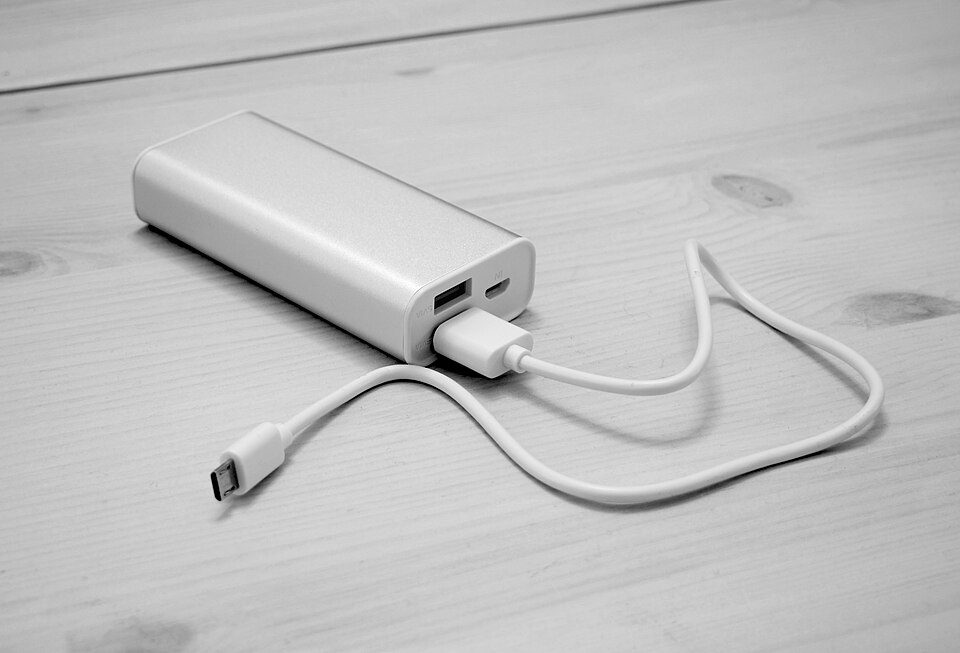
A fully charged power bank can keep your phone available for navigation, photography, and emergency use.
Know Emergency Procedures
Learn where ranger stations, visitor centers, and emergency contact points are located before starting your adventure.
Best Offline Apps for National Park Visitors
Google Maps Offline
Google Maps allows users to download maps before traveling.
These maps can be accessed without internet service.
AllTrails
AllTrails is popular among hikers and provides trail maps that can be downloaded for offline use.
Gaia GPS
Gaia GPS offers advanced navigation tools, topographic maps, and backcountry route planning.
It is especially useful for serious hikers and campers.
National Park Service App
The National Park Service app includes maps, park information, alerts, and visitor resources that can be accessed offline after downloading.
Alternatives to Mobile Networks in Remote National Parks
Satellite Communicators
Satellite communicators can send messages even when cellular networks are unavailable.
They are popular among backpackers and wilderness travelers.
Emergency Beacons
Personal locator beacons can transmit emergency distress signals to rescue authorities.
These devices are especially valuable in remote backcountry areas.
Park Ranger Stations
Ranger stations remain important communication points throughout many national parks.
Visitors can seek assistance and emergency support when needed.
Campground Wi-Fi (Where Available)
Some campgrounds and lodges offer Wi-Fi access.
However, speeds may be limited and availability is not guaranteed.
What to Do If You Lose Signal During a Hike
Losing signal is common in many national parks.
If it happens:
- Stay calm.
- Continue following marked trails.
- Use downloaded offline maps.
- Avoid wandering off established routes.
- Return to a known location if necessary.
- Seek assistance from park staff when available.
- Contact family or emergency services once coverage returns.
Panicking often creates more problems than the signal loss itself.
Pros and Cons of Having No Mobile Signal in National Parks
Advantages
Digital Detox
Many visitors enjoy taking a break from constant notifications, emails, and social media.
Better Connection with Nature
Without distractions, people often appreciate wildlife, scenery, and outdoor experiences more fully.
Fewer Interruptions
National parks provide an opportunity to relax and focus on the present moment.
Disadvantages
Navigation Challenges
Without preparation, losing signal can make navigation more difficult.
Emergency Communication Limitations
Contacting help may become challenging in remote areas.
Difficulty Sharing Updates
Friends and family may not receive updates until you return to an area with service.
Read Also: What to Pack for Hiking in the US: The Essential Gear Checklist for 2026
Frequently Asked Questions
Can I make emergency calls without normal mobile coverage?
Sometimes. Phones may connect to any available network for emergency calls, but coverage is not guaranteed in extremely remote locations.
Which national park has the worst cell phone reception?
Remote parks such as Big Bend, Glacier, and large backcountry sections of Yellowstone are known for limited connectivity.
Does 5G work inside national parks?
5G may be available in some developed areas, but most remote park regions still rely on limited coverage or have no service at all.
Are park visitor centers equipped with Wi-Fi?
Some visitor centers offer Wi-Fi, but many do not. Availability varies by park.
Should I carry a satellite communicator for hiking?
For remote backcountry adventures, carrying a satellite communicator is often a wise safety measure.
How can I use Google Maps without internet access?
Download the required map area before your trip. Once saved, navigation features remain available even without mobile data.
Final words
Mobile phone coverage in national parks is often far less reliable than many travelers expect. While visitor centers, campgrounds, and developed areas may offer some connectivity, large portions of many parks have weak or nonexistent signal coverage.
Preparation is the key to a safe and enjoyable visit. Download offline maps, inform someone about your plans, carry backup navigation tools, and be ready for periods without service.
Rather than viewing signal loss as a problem, many visitors discover that disconnecting from technology allows them to enjoy the true beauty and adventure that national parks offer.